If you use an Android phone with multiple Google accounts, your phone number may already be connected to all of them, even if you never deliberately added it. A little-known setting is raising fresh privacy concerns, and millions of Android users may want to check their devices.
Imagine creating a separate Gmail account for work, online shopping, or personal activities. You deliberately avoid adding your phone number because you want to keep that account separate from your everyday digital life.
Then, one morning, an email arrives saying Google has verified your number.
You never requested it. You didn’t enter a verification code. And you certainly didn’t expect that number to appear on another account.
That’s the situation some Android users have reported experiencing.
Recent reports have drawn attention to Google’s automatic phone number verification feature, which can connect a device’s phone numbers to every Google account signed in on that device.
The feature is intended to make Google services more convenient and secure. However, its default settings are prompting uncomfortable questions about privacy and personal control.
Here’s what’s happening, why it matters, and how to check your Android phone.
Google Confirms the Feature Is Enabled by Default
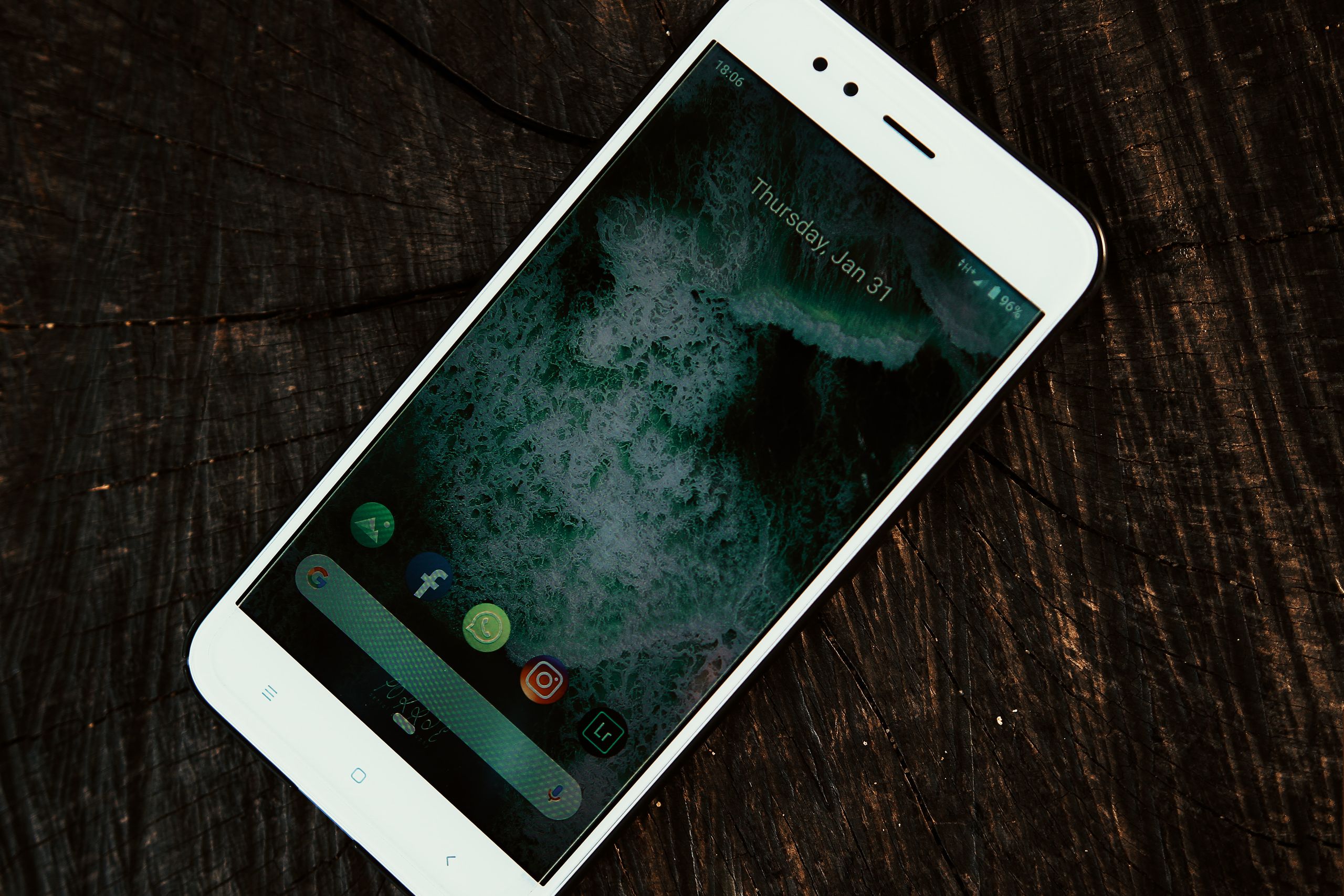
This isn’t simply an internet rumor.
Google’s own Android support documentation confirms that phone number verification is enabled by default when users set up Android devices.
The company explains that the feature verifies phone numbers and adds them to Google accounts signed in on the device.
Importantly, the process isn’t limited to your primary account.
It also applies to additional accounts and phone numbers added later.
For example, imagine you have three Google accounts on your smartphone.
One handles personal emails. Another is used for business. The third is reserved for shopping subscriptions or other activities.
With automatic phone number verification enabled, Google’s system can associate the same phone number with all three accounts.
And because the feature operates automatically, users may not receive a separate approval request before the association happens.
That distinction is at the center of the controversy.
Google documents the feature, but some users say they weren’t aware it was happening until after receiving a notification.
Android Users Started Receiving Unexpected Emails
The issue attracted renewed attention in October 2026 after Android users reported receiving unexpected verification messages.
According to an October 14 report by Android Authority, some people noticed emails from an address associated with Google’s phone verification system.
The messages said their phone numbers had been verified.
What surprised users wasn’t necessarily the verification process itself.
It was discovering that numbers could be associated with accounts they intentionally kept separate.
Android Authority reported that several staff members checked their Android settings and discovered automatic verification was enabled.
The publication also examined Google’s documentation and found that the company had updated its explanation between August and October 2025 to describe the default-on behavior.
That means the feature isn’t necessarily a brand-new change introduced in October 2026.
Rather, recent attention has made more users aware of how it works.
And for people who carefully manage separate online identities, that discovery can be frustrating.
Why Google Says It Needs Your Phone Number
Google presents automatic verification as a convenience and security feature.
According to its official support page, verifying a phone number can support several everyday services.
For example, it can make recovering a Google account easier when someone forgets their password or experiences trouble signing in.
It also supports certain features designed to locate or secure a lost Android device.
Other functions include Rich Communication Services, commonly called RCS, which supports enhanced messaging features.
In practical terms, connecting a number to an account can help Google recognize the person using particular services.
The company says Google and mobile carriers may periodically verify numbers to confirm that they still belong to the device’s user.
Carrier charges may apply in some circumstances.
These functions can be genuinely useful, particularly when someone loses access to an account or needs to restore a device.
One unanswered question for some users is why those benefits require automatically linking phone numbers to every signed-in Google account rather than letting users choose individually.
Why the Privacy Concerns Matter
For someone who uses only one Google account, automatic verification might not seem particularly concerning.
After all, many people already associate their phone numbers with their main Google profiles.
The situation becomes more complicated when multiple accounts are involved.
Consider someone who uses a personal account for family communication and a separate account for freelance work.
Or someone who maintains an additional email address specifically to keep certain online activities separate from their primary identity.
Automatically attaching the same phone number can weaken that separation.
A phone number is more than a convenient contact detail. It can also serve as an identifier across services.
However, linking a number to multiple Google accounts does not automatically mean the number becomes publicly visible.
Google’s own phone number information says adding a number does not, by itself, make that number public.
The more immediate issue is whether users knowingly agreed to the association.
Privacy isn’t always about hiding information.
Sometimes, it’s simply about deciding which details belong on which accounts.
The Setting May Have Been Active for More Than a Year
Another surprising detail involves the timeline.
According to Engadget’s October 24, 2026 report, Google’s documentation and Play services update history indicate that automatic number verification was already operating by September 2025.
In other words, users may have had the feature enabled long before the latest reports began circulating.
The October 2026 coverage brought renewed attention to the default setting rather than revealing a process that had started only days earlier.
This matters because turning off automatic verification today doesn’t necessarily undo associations created previously.
Someone who has switched between several Google accounts over the past year may therefore want to review each account individually.
Fortunately, Google provides controls for managing the feature.
But finding them takes a little navigation.
How to Stop Google From Automatically Verifying Your Number
If you’d rather decide which accounts receive your phone number, you can disable automatic verification on a compatible Android device.
Google provides the following steps in its official help documentation.
Open your Android phone’s Settings app.
Select Google or the equivalent Google services section.
Tap All services.
Under Privacy & security, choose Phone number verification.
Turn off automatic phone number verification.
The exact wording may vary by phone manufacturer and Android version.
Once disabled, the setting should prevent automatic verification through that feature.
However, there’s an important catch.
Switching it off doesn’t automatically erase phone numbers that Google has already connected to your accounts.
For that, you’ll need to take another step.
Check Every Google Account for Previously Added Numbers
To see which phone numbers are associated with your accounts, open your Google Account settings.
You can access them through your phone’s Google settings or visit Google Account.
Select Personal info, then look for Contact info and Phone.
Here, you can review the phone numbers associated with that particular account.
If you notice a number you don’t want linked, Google lets you manage or remove it, depending on how it is being used.
Repeat the process for your other Google accounts.
This is especially relevant if you regularly switch between personal, work, and secondary accounts on the same Android phone.
Before removing a number, check whether it’s being used for account recovery or two-step verification.
Removing a recovery method without setting up an alternative can make it harder to regain access later.
Google also allows users to manage how phone numbers are used across certain services.
The important thing is understanding your current settings rather than deleting information blindly.
Some Users Say the Setting Turns Itself Back On
One additional concern has come up in user reports.
According to Android Central’s October 2026 coverage, some Android owners have complained that automatic verification reappeared after they turned it off.
However, these experiences haven’t been established as a widespread, independently confirmed software problem.
Android Authority also examined similar complaints but reported that its own testing did not reproduce the behavior.
That distinction matters.
A few online reports don’t necessarily prove that Google deliberately overrides users’ choices.
Nevertheless, anyone concerned about account privacy can revisit the settings occasionally to confirm their preferences remain unchanged.
It’s also sensible to review account security and recovery options periodically.
A quick check can reveal outdated phone numbers, unfamiliar recovery information, or settings that no longer match how you want to use your accounts.
Should You Turn the Feature Off?
There’s no single answer that works for everyone.
Automatic phone number verification can offer real benefits, especially for account recovery and communication services.
For people who rely heavily on Google’s connected features, leaving it enabled may be reasonable.
Others may prefer greater separation between their accounts.
For example, someone managing confidential work communications or maintaining several distinct online profiles might not want the same number associated with everything.
Disabling verification may also affect features that rely on a verified phone number, so consider how you use RCS messaging, account recovery, and other Google services before changing the setting.
The choice should depend on your priorities.
What’s important is knowing the feature exists and understanding what it does.