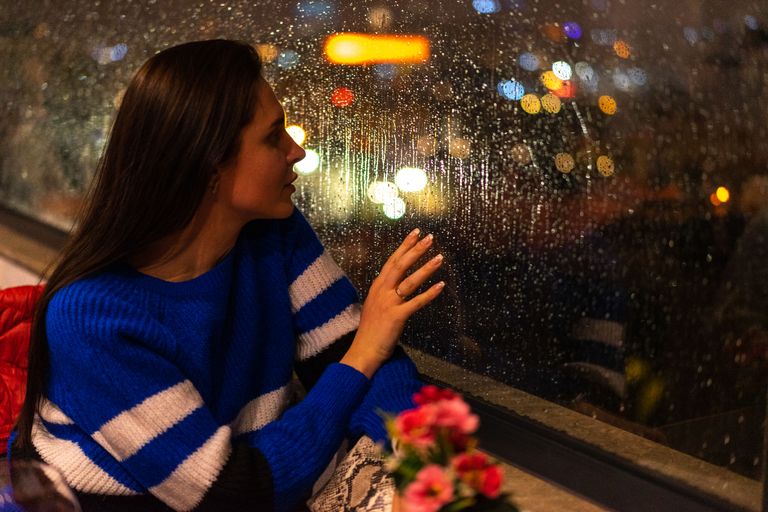
A vacation post can feel innocent. A smiling airport selfie, a beach photo, a hotel balcony view, or a quick “finally away for the weekend” update may seem like harmless fun in the moment. To friends, it looks like joy, freedom, and a little well-earned escape from the noise of daily life. To the wrong person, it can look like an empty house with a glowing invitation over the front door.
That is the strange danger of modern life. People lock their doors, install cameras, hide spare keys, and worry about packages sitting on the porch, yet they may still announce their absence to a crowd they barely know. Social media has turned private routines into public signals, and burglars do not always need to be clever when people keep handing them clues. A post can reveal where you are, how long you may be gone, what you own, and how easy it might be to approach your home.
Home security is no longer only about gates, locks, alarms, and porch lights. It is also about what you post, when you post, who can see it, and how much of your home life you reveal without thinking. Your online habits can either protect your home or quietly weaken every lock you paid for. These common social media mistakes can turn a safe home into an easier target without making a sound.
Posting Vacation Photos in Real Time

Real-time vacation posts are among the biggest online security risks because they reveal exactly what burglars want to know. You are away, your routine has changed, and your home may be sitting empty for hours or even days. A photo from the airport, a hotel lobby, a beach chair, or a mountain trail can reveal that nobody is home to notice strange activity. Even a cheerful caption like “finally out of town” can become more revealing than you intended.
The safer move is simple, but it takes discipline. Enjoy the trip first and post later, after you have returned home and unpacked the bags. You still get to share the sunsets, the food, the laughter, and the beautiful moments without broadcasting your absence in real time. Delayed posting keeps the memory alive while reducing the risk that someone uses your excitement against you.
Announcing Travel Dates Before You Leave
Some people share their travel plans before the trip even begins. They post the departure date, the destination, the length of stay, and sometimes even who is traveling with them. That kind of update can feel normal because people love counting down to vacations, weddings, family visits, and holiday breaks. The problem is that a detailed travel announcement can create a neat little schedule for anyone quietly watching.
You do not need to hide every happy plan like a secret mission, but you should choose your audience carefully. Tell trusted relatives, close friends, or a reliable neighbor privately if someone needs to know. Public posts about being gone for a full week can wait until your home is occupied again. The less predictable your absence appears online, the harder it becomes for anyone to treat your home like an easy opportunity.
Leaving Your Profile Too Public
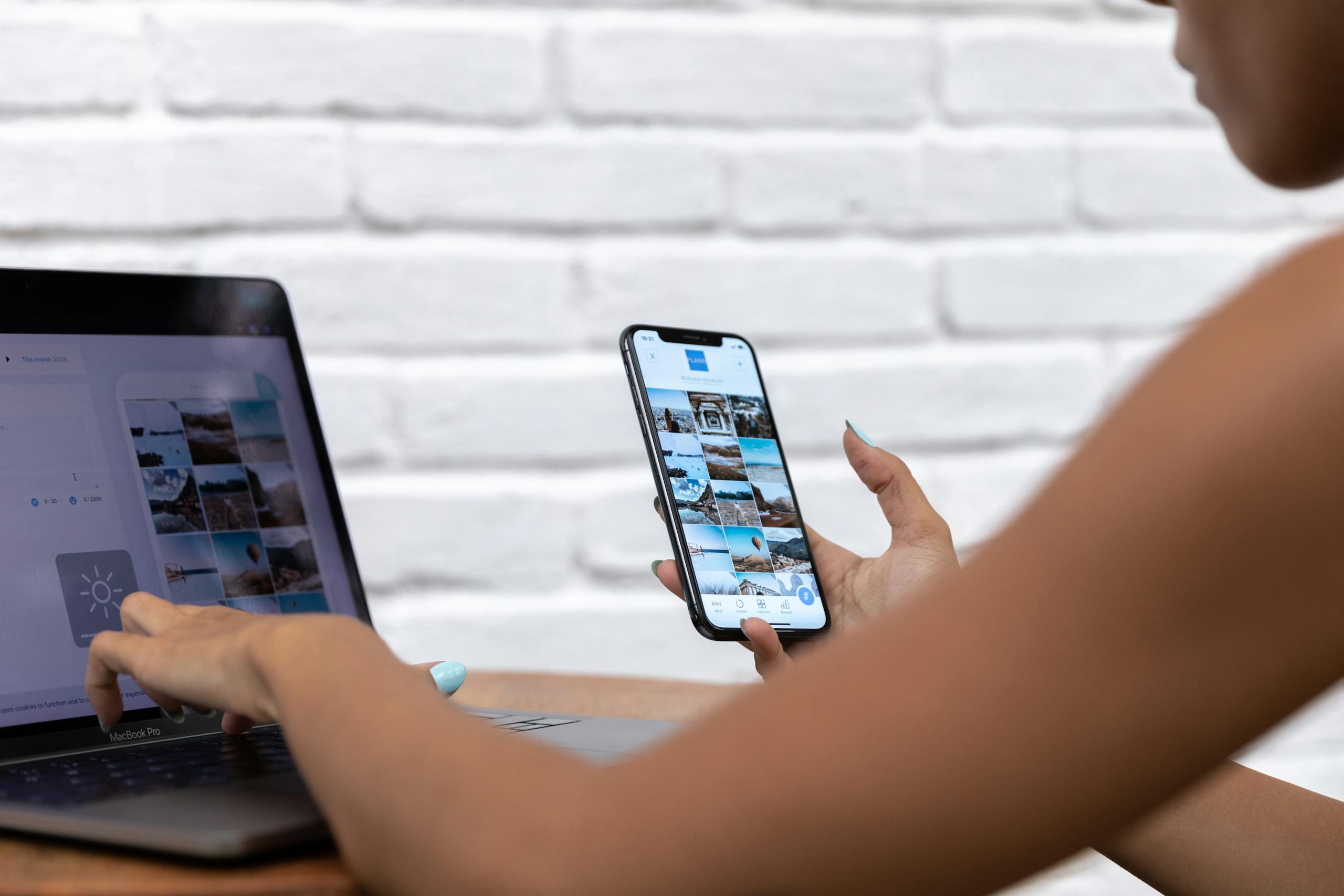
A public profile can give strangers a surprisingly detailed picture of your life. They may see your home, your family routines, your job, your favorite restaurants, your travel habits, and even the type of valuables you own. One post may not reveal much, but dozens of posts can build a map of your lifestyle. Over time, your online presence can tell people when you leave, where you go, what you buy, and what your home looks like.
Privacy settings are not glamorous, but they matter more than many people think. Limit who can see your posts, stories, photos, reels, tagged content, and old albums. Review your settings regularly, as platforms change and old posts can remain visible long after you forget about them. A smaller trusted audience is far safer than a large public crowd filled with people you would never invite into your living room.
Accepting Friend Requests From Strangers
Not every suspicious person arrives online with an obvious warning sign. Some fake accounts look friendly, ordinary, and harmless. They may use a standard profile photo, send polite messages, like a few family photos, and gradually become part of your digital audience. Once they are in your online circle, they may see updates about your home, schedule, children, holidays, and purchases.
Be careful with unknown requests, especially from accounts with little history, vague details, few real interactions, or no clear connection to your life. You do not owe strangers access to your private world simply because they clicked “add friend.” It is better to reject a questionable request than to give someone a quiet window into your home life. Social media should connect you with people you know and trust, not open the curtains for people you would avoid on the street.
Showing Off Expensive Items at Home

A new watch, designer bag, gaming setup, jewelry collection, art piece, television, or luxury appliance may look great online. The problem is that those posts can also show criminals what is worth stealing. A proud photo of a new purchase can accidentally become a preview of what sits inside your home. Even worse, the photo’s background may reveal your room layout, door placement, windows, alarm keypad, or potential weak entry points.
Before posting, look at the full image, not just the item you want people to admire. Check mirrors, glass reflections, shipping boxes, street signs, house numbers, school uniforms, and anything that reveals where you live or what you own. A beautiful post should not become an accidental shopping list for someone else. There is nothing wrong with enjoying nice things, but you do not have to display every valuable possession to the entire internet.
Using Check-Ins and Location Tags Carelessly
Location tags can make a post feel more exciting, but they can also reveal your real-time movements. A restaurant check-in, airport tag, concert location, stadium photo, resort pin, or weekend getaway update tells people where you are right now. That may seem harmless when you are surrounded by friends, food, music, and bright lights. But if your home address is easy to discover from past posts, your current location can also reveal where you are not.
Turn off unnecessary location sharing and avoid posting real-time check-ins when you are far from home. You can still tag restaurants, hotels, parks, and events after you leave or after you return home. That small delay keeps the memory fun without turning your schedule into public information. The goal is not to stop sharing your life, but to stop sharing it in a way that makes your home easier to target.
Forgetting That Photos Can Carry Hidden Clues
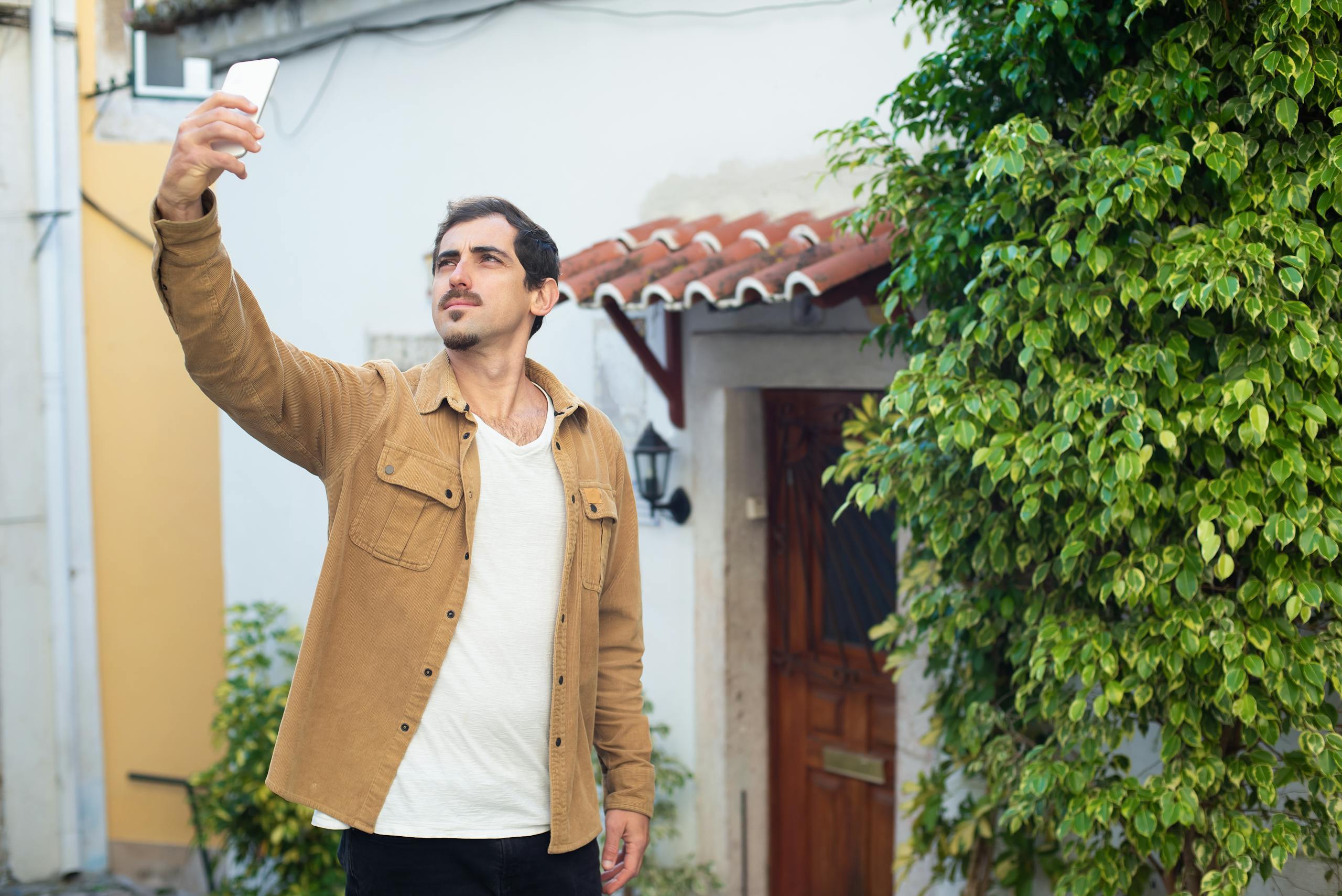
Photos can reveal more than faces, outfits, meals, and scenery. A picture may show a license plate, school name, neighborhood sign, delivery label, street corner, reflection in a window, or recognizable view from your front porch. Even a casual family photo can expose details you never planned to share. People often focus on how they look in the picture and forget to notice what is quietly sitting in the background.
Make it a habit to scan every photo before posting. Crop out identifying details, blur sensitive information, and avoid images that clearly show your home’s exterior layout. Be extra careful with photos taken near doors, windows, driveways, mailboxes, and garages. A few seconds of checking can prevent a lot of unwanted exposure, especially when your post may be seen, saved, shared, or screenshotted by people outside your trusted circle.
Talking About Home Security in Public Groups
People often turn to neighborhood groups for advice before going away. They ask about alarm systems, cameras, house sitters, delivery holds, suspicious activity, or whether someone can watch the property. That may feel practical because community pages can be helpful, fast, and full of local knowledge. The danger comes when those groups include people you do not truly know or when posts reveal that your home may soon be empty.
Keep security questions private whenever possible. Speak directly to trusted neighbors, close relatives, or professional services instead of broadcasting your plans to a large group. Your home safety strategy should not become a public conversation with an unknown audience. A neighborhood can be a powerful safety net, but only when information is shared carefully with people who have earned your trust.
Conclusion
Social media is not the enemy. The danger comes from treating public posts like private conversations. A quick update can feel small in the moment, but it may reveal your location, your absence, your possessions, and your routine all at once. In the wrong hands, those details can become more useful than any unlocked window.
The safest rule is to pause before posting. Ask yourself what a stranger could learn from the photo, caption, tag, timing, or background details. If the answer makes your home look empty, wealthy, exposed, or predictable, save the post for later. Your memories deserve to be shared, but your home does not need to be advertised.